
1. Installed Prerequisites
- Unity Hub
- Unity Editor
- Xcode (It is required for me as I am using Macbook and will deploy demo to my iPhone)
2. Creating a New Project
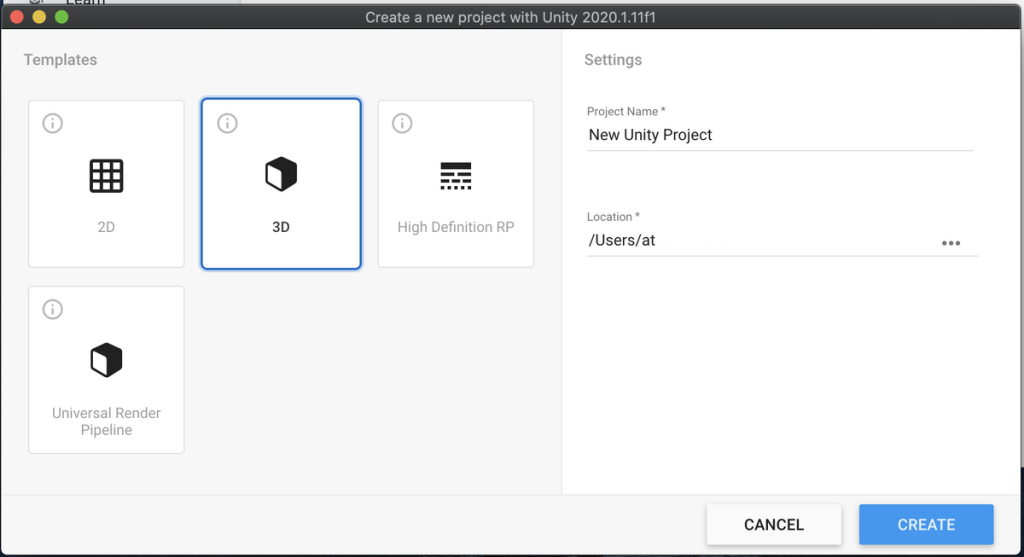
Opened Unity Hub > New Project > 3D template.
Name: Week12_Demo_AR
3. Install AR Foundation Packages
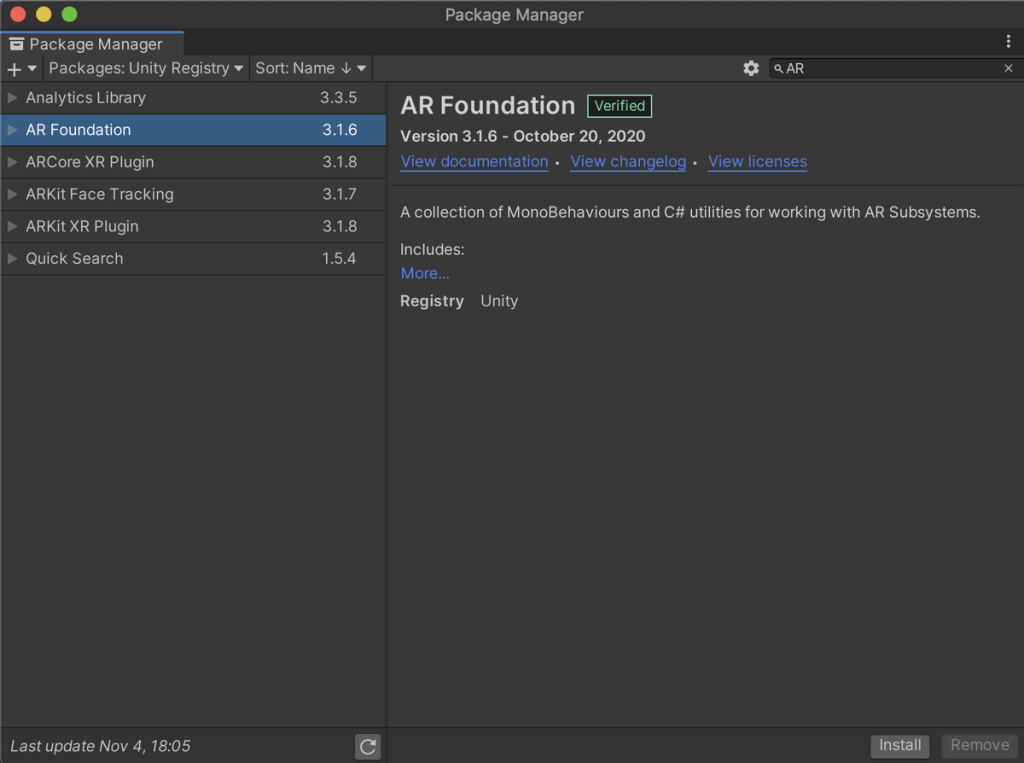
With the project open, navigate to Window › Package Manager.
I added following packages:
AR Foundation (core abstraction layer)
ARKit XR Plugin (iOS provider)
4. Configuring the Scene

AR Session controls the life‑cycle of an AR experience.
AR Session Origin provides the camera and coordinate system.
Placing the cube somewhere. Like, I placed it at X:-2.46, Y:1.24, Z:-2.04 (Random Attempt)
5. Saving And Deploying
Now I have saved the scene. In next blog/session, I will try to run it in real phone and test. (Fact: Deploying in iPhone seems to be harder as it needs some developer account workaround and xcode build, while doing it in android could have been much easier and better as beginner)


